APK Editor

Edit any Android app with a simple prompt

Popular Apps

or upload your own

Examples

Real edits made with APK Editor. Each one started with a single plain-English prompt.

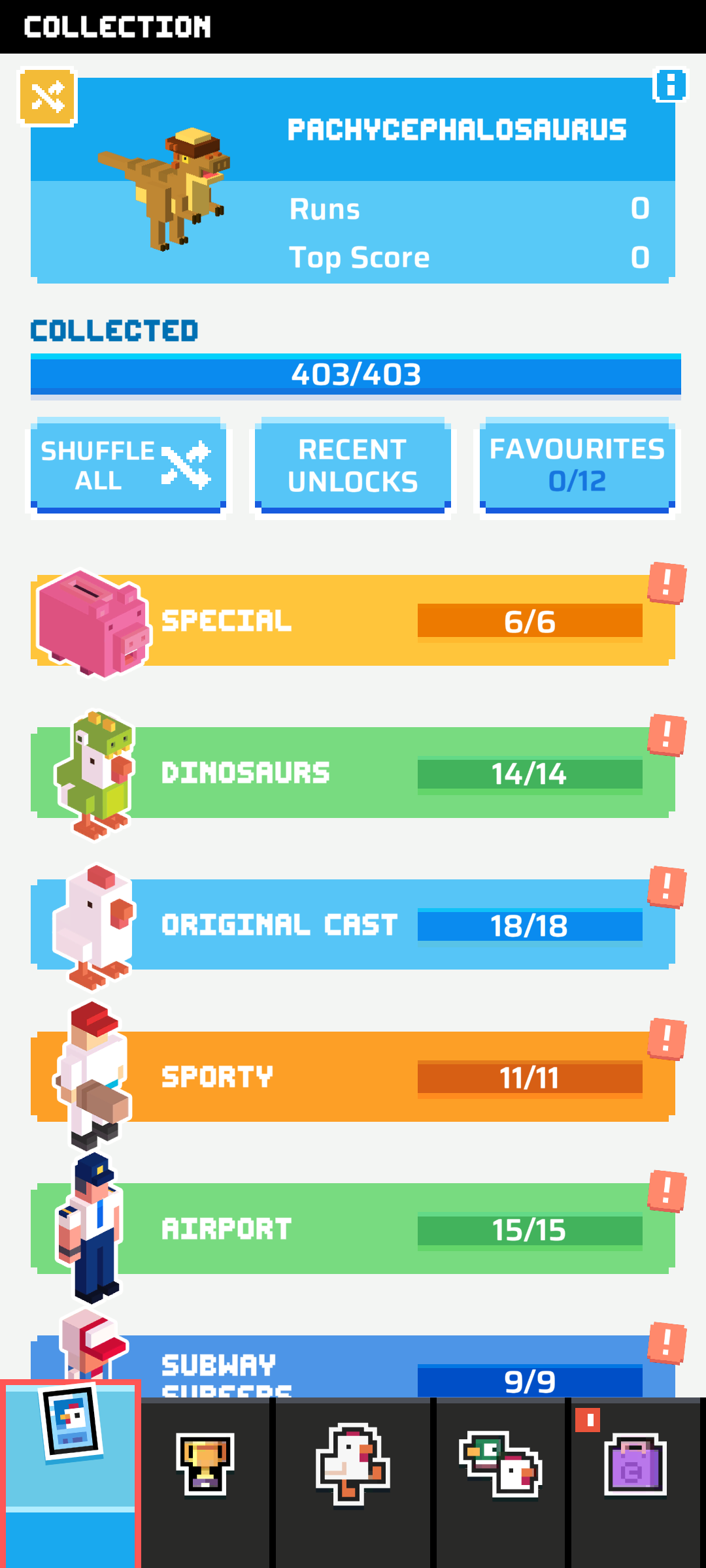
Crossy Road collection screen showing 403 of 403 characters collected
Crossy Road

Every character unlocked

Prompt: "Unlock all characters"

The Crossy Road collection screen reads 403/403, and every category is complete: Special, Dinosaurs, Original Cast, Sporty, Airport and more. No grinding or in-app purchases needed.

Sign in to download
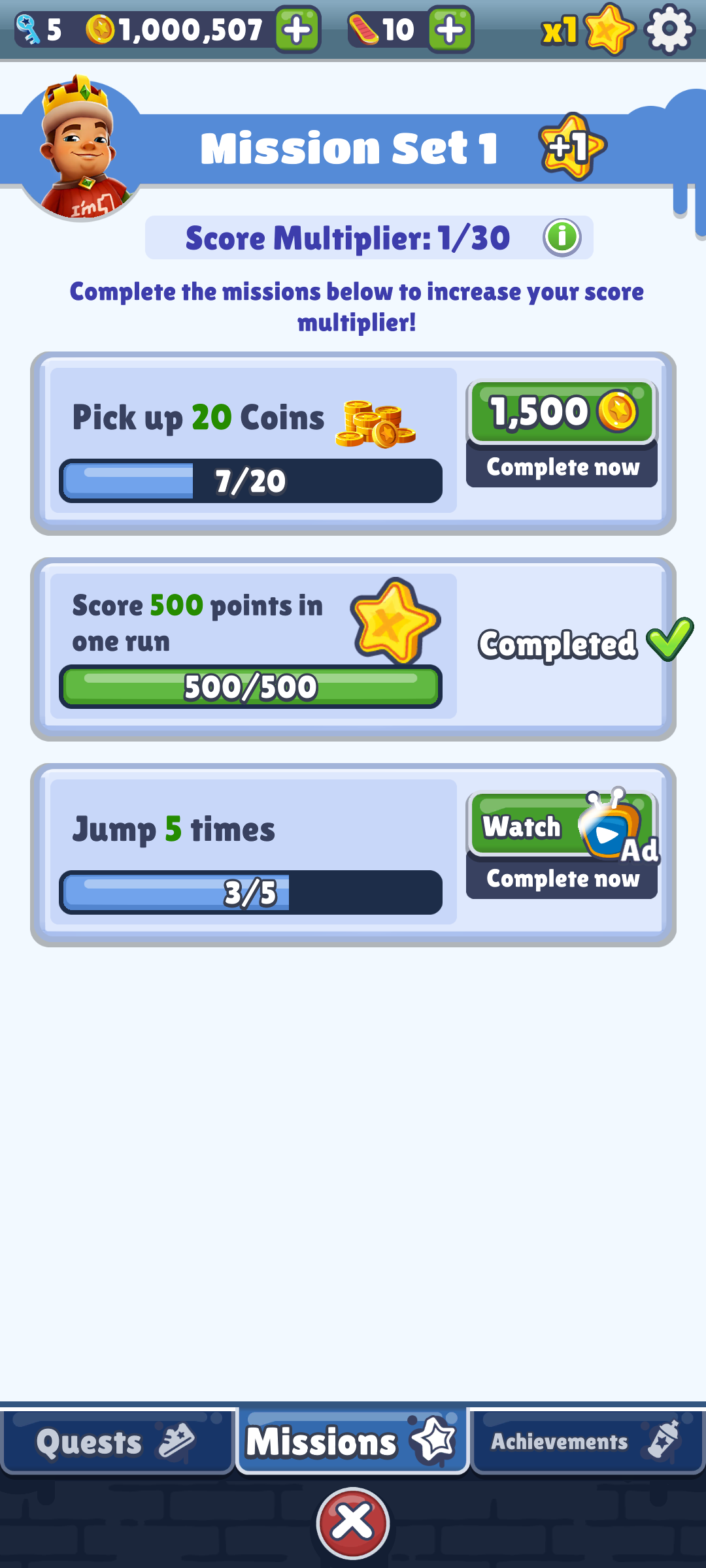
Subway Surfers missions screen showing a balance of 1,000,507 coins
Subway Surfers

1,000,000 coins from the start

Prompt: "Give me 1,000,000 coins when the game starts"

The edited Subway Surfers opens with a balance of over one million coins, ready to spend on characters, boards, and upgrades. The AI found where the game stores the starting balance and changed it, so everything else in the game behaves as usual.

Sign in to download
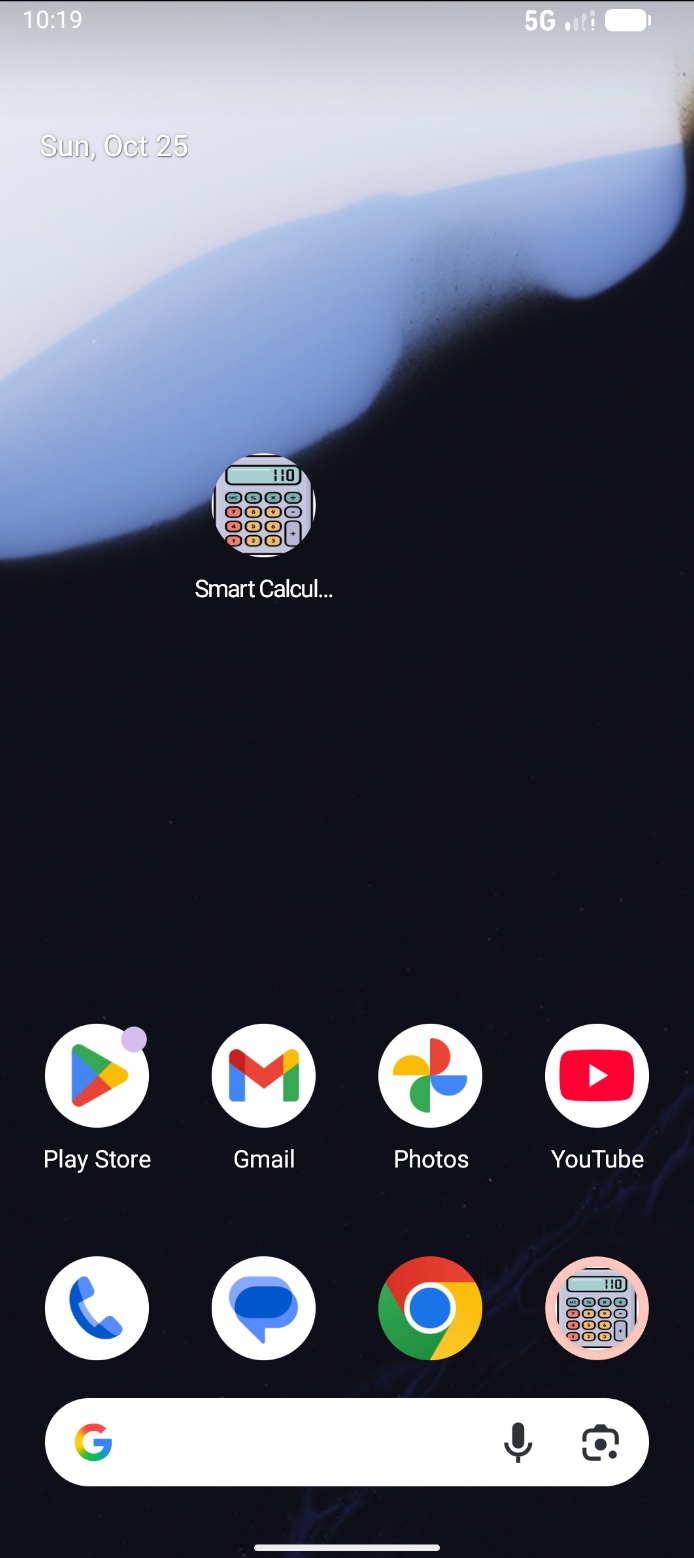
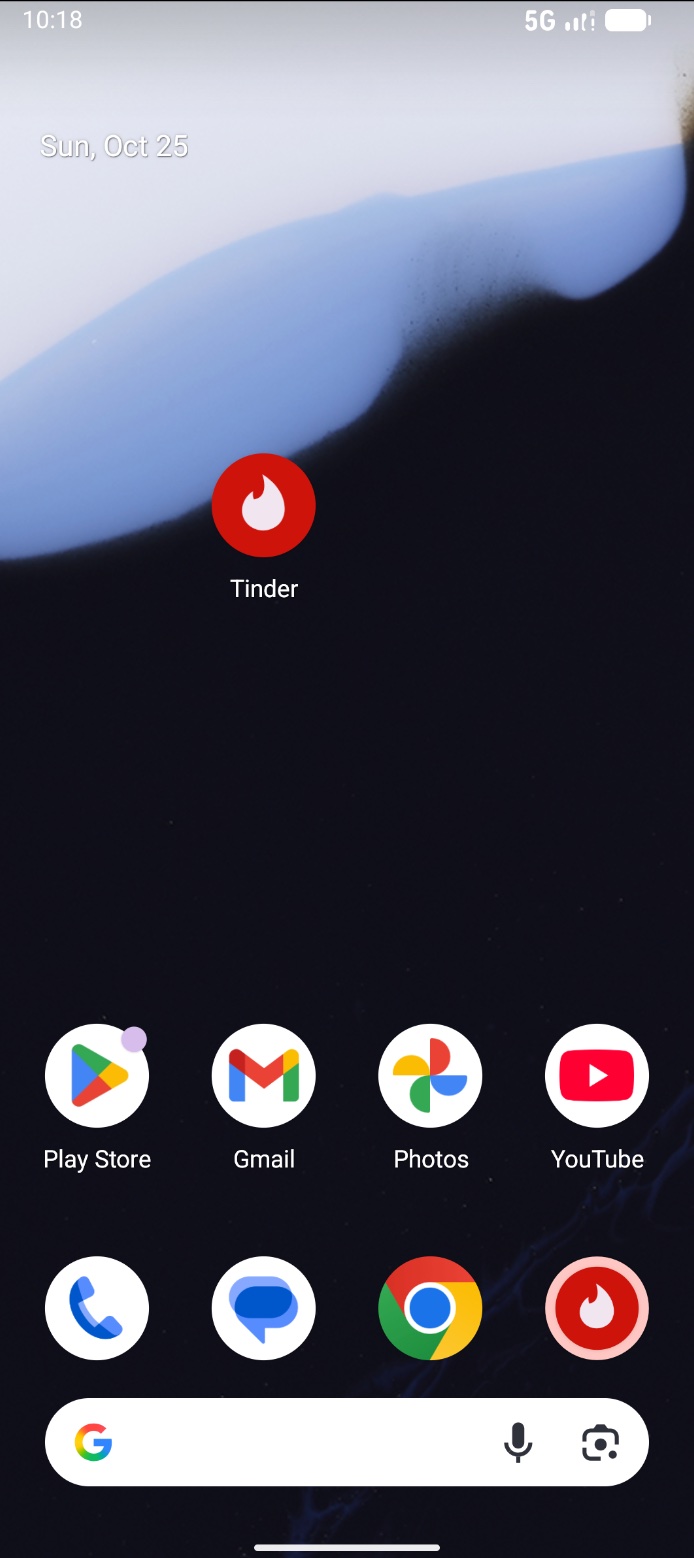
Home screen showing the original app, named Tinder, with a red flame iconHome screen where the app now appears as Smart Calculator with a calculator icon
Tinder

New name and icon

Prompt: "Rename the app to "Smart Calculator" and use a calculator icon"

The launcher entry is fully swapped: the label changes from Tinder to Smart Calculator, and both the home screen icon and the dock shortcut show the new calculator artwork. Nothing else about the app changes, so it still installs and runs as before.

Sign in to download

How it works

  1. 1. Pick or upload an APK. Choose a popular app from the list above or upload any APK up to 300 MB.
  2. 2. Describe the change. Write a plain-English instruction — "rename the app to MyApp", "remove banner ads", or "disable the login screen".
  3. 3. Download the result. The AI decompiles the APK, applies your edit, recompiles, and re-signs it. Download a ready-to-install APK in minutes.

Frequently asked questions

What is APK Editor?

APK Editor is an AI-powered web tool that lets you modify any Android APK using plain English. Upload an APK, describe what you want changed, and download a re-signed installable APK — no Android SDK or coding knowledge required.

What kinds of edits can I make to an APK?

Pretty much anything visible or behavioral: rename the app, remove ads, strip trackers, bypass screenshot restrictions, tweak text, or change how the app behaves. Just describe what you want — the AI handles the rest.

Is the edited APK safe?

Yes. Only the changes you asked for are applied — no added code, no malware, no hidden modifications.

Which Android apps are supported?

Any standard APK up to 300 MB is supported. APK Editor also ships with a curated set of popular apps you can edit instantly without uploading anything.

Privacy & Terms·Contact Us